install.packages("comtradr")
library(comtradr)Accessing UN Comtrade Data in R
Learn how to access and use the United Nations Comtrade Database, one of the most comprehensive sources of official international trade data, covering detailed bilateral trade flows across countries and commodities.
The comtradr package provides a structured and efficient interface to the UN Comtrade API directly within R. The main aspects of the package we will cover are the following:
- Authenticate and configure API access
- Retrieve annual and commodity-level trade data
- Apply structured parameter filters
- Conduct basic data inspection
Pre-requisites
Begin by installing and loading the R package.
The package includes built-in reference tables that simplify country and commodity code identification, which will later be demonstrated.
API Authentication
Access to the UN Comtrade API requires registration and an API key.
- Register at the UN Comtrade portal.
- Request access to the free
comtrade-v1product. - Store your API key securely.
For a temporary session you can set your API key using the following command:
set_primary_comtrade_key()Alternatively, you can set the key manually as follows:
Sys.setenv(COMTRADE_PRIMARY = "your_api_key_here")Retrieving Annual Trade Data
As a first example, let’s see how we can retrieve annual U.S. import data from selected partner economies over the period of 2018 to 2023.
trade_us_imports <- ct_get_data(
  reporter       = "USA",
  partner        = c("DEU", "FRA", "JPN", "MEX"),
  commodity_code = "TOTAL",
  start_date     = 2018,
  end_date       = 2023,
  flow_direction = "import"
)

tail(trade_us_imports)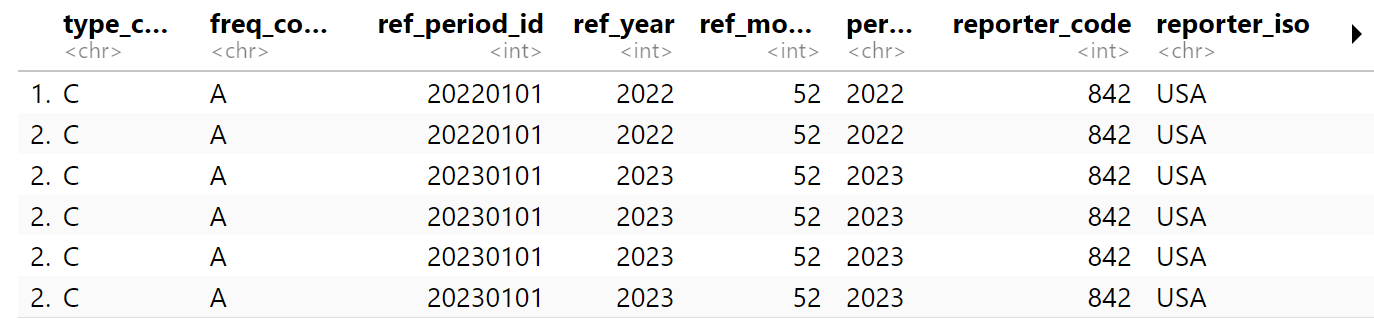
The returned object is a tidy data frame containing:
- Reporter and partner ISO codes
- Flow direction
- Time period
- Trade value (
primary_value) in current U.S. dollars
These standardized outputs facilitate integration with other workflows.
Working with Commodity Codes
Trade analysis often requires disaggregated commodity-level data. The package provides lookup utilities to identify relevant Harmonized System (HS) codes. For example, let’s look specifically at tomato codes.
tomato_codes <- ct_commodity_lookup(
  "tomato",
  return_code = TRUE,
  return_char = TRUE
)

tail(tomato_codes)
These codes can then be passed directly into the API query:
tomato_imports <- ct_get_data(
  reporter       = "USA",
  partner        = c("DEU","FRA","JPN","MEX"),
  commodity_code = tomato_codes,
  start_date     = 2018,
  end_date       = 2023,
  flow_direction = "import"
)

tail(tomato_imports)
On the other hand, if you want to exclude certain products from your search, you can directly input the vector of relevant codes to your API call. For example:
q <- ct_get_data(
  reporter = 'USA',
  partner = c('DEU', 'FRA','JPN','MEX'),
  commodity_code  = c("0702", "070200", "2002", "200210", "200290"),
  start_date = "2012",
  end_date = "2013",
  flow_direction = 'import'
)

tail(q)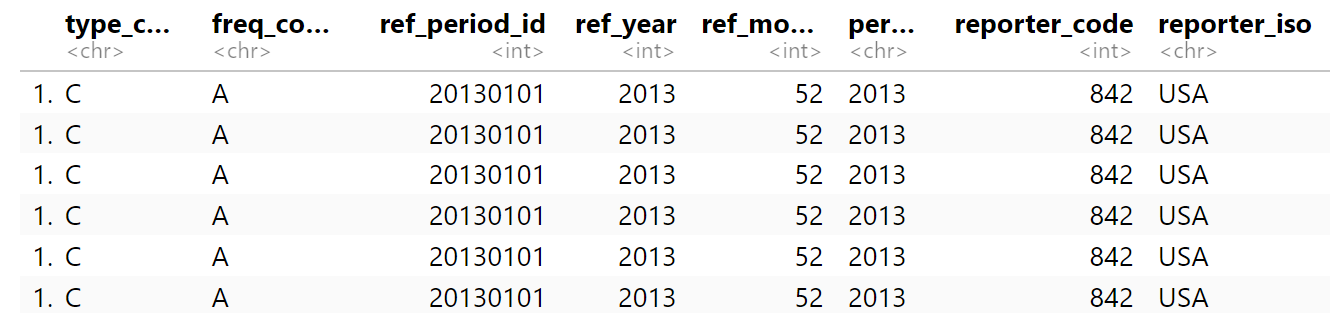
Supplementary Functions
Although ct_get_data() is the principal function for extracting trade data, the comtradr package includes several additional utilities that facilitate structured, reproducible analytical workflows.
The formal argument structure of any function can be inspected using args(function_name), which clarifies required and optional inputs. Additional documentation can be accessed using ?function_name. These tools are useful when constructing parameterized queries.
Reference and Classification Tools
ct_commodity_lookup()allows you to identify Harmonized System (HS) or other classification codes using keyword searches.ct_get_ref_table()allows you to access official reference tables (reporters, partners, classification systems) to validate and standardize query parameters.
These functions are particularly useful when constructing commodity-level or multi-country panels.
API Management Utilities
ct_get_remaining_hourly_queries()allows you to monitor the remaining API request quota.ct_get_reset_time()allows you to determine when the hourly quota resets.
These tools are relevant when automating data extraction or running large batch queries.
Bulk Data Retrieval
ct_get_bulk()allows you to retrieve large datasets that exceed the standard query limits.
This function is most relevant in database construction.
API Constraints and Best Practices
There are a few operational constraints that we should be mindful of.
- Annual queries are limited to 12-year ranges per request.
- Monthly data are limited to 12 months per request.
- Large queries may return substantial datasets; targeted filtering is recommended.
For comprehensive coverage of commodities or partners, the keyword "everything" may be used. Be very cautious with this, however, because it is a huge amount of data points.
all_trade <- ct_get_data(
  reporter       = "USA",
  commodity_code = "everything",
  start_date     = 2018,
  end_date       = 2023
)
The comtradr package provides a robust interface to the UN Comtrade database, enabling structured access to high-quality international trade statistics. When embedded within reproducible Quarto workflows, this approach supports institutional standards for analytical rigor, documentation, and policy reporting.